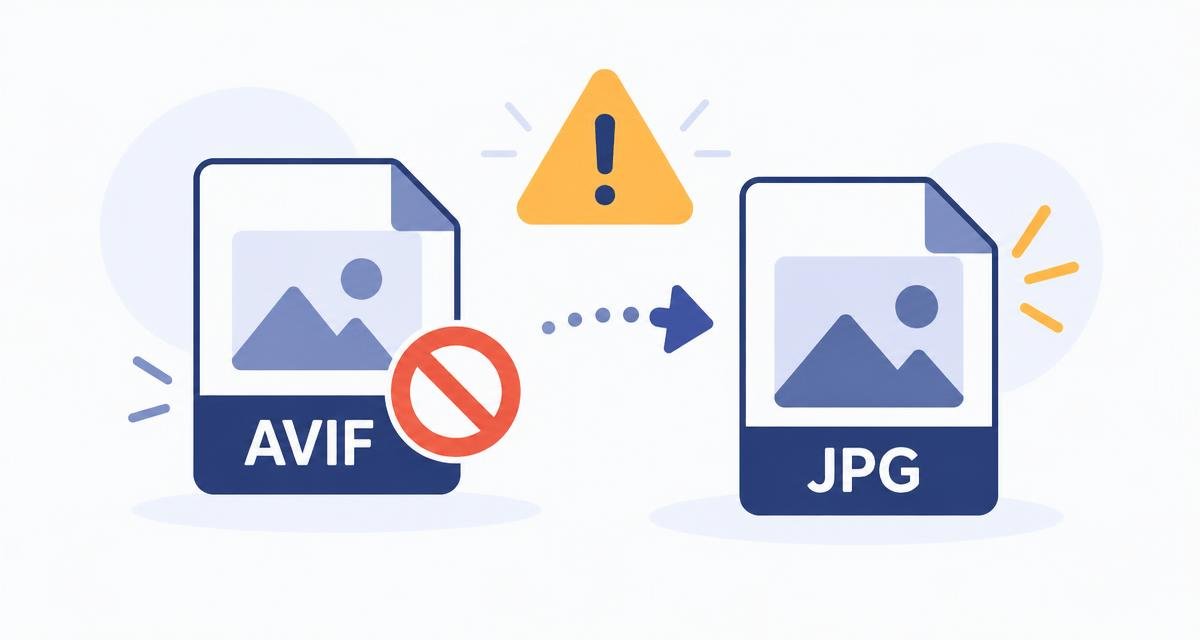
You right-clicked an image on a website, saved it, and now Word, WhatsApp, your photo editor and the office printer all refuse to touch it. The file ends in .avif.
Nothing is broken. You have simply picked up a very modern format that your browser reads happily and most other software does not.
What AVIF is
AVIF stores an image using the compression from the AV1 video codec. In practice it produces files around half the size of an equivalent JPEG, with support for transparency, wide colour and high dynamic range.
That is why so many sites now serve it: pages load faster and look the same. The catch is that support outside browsers is still patchy — plenty of desktop apps, older phones, CMS uploaders and print workflows do not recognise it.
Convert it to something universal
If you need transparency preserved, convert to PNG instead. JPEG cannot store an alpha channel, so transparent areas come out white.
- 1Open the AVIF to JPG page and drop the file in.
- 2Your browser decodes the AVIF — the same decoder it used to show you the image in the first place.
- 3The image is re-encoded as a JPEG at a sensible quality, on your device.
- 4Download it. It will open anywhere.
Expect the JPG to be bigger
AVIF is a much more efficient format, so the JPEG you get back will typically be one and a half to three times the size of the AVIF. That is the price of compatibility, not a mistake in the conversion.
If size matters more than compatibility — on your own website, for instance — keep the AVIF and serve JPEG only as a fallback.
Going the other way
Under1MB can also write AVIF. If your browser has a built-in AVIF encoder, it uses it; if not, it falls back to a local encoder bundled with the page. Either way, the file is produced on your device.
Converting your site's images to AVIF is one of the cheapest page-speed wins available, as long as you keep a JPEG or WEBP fallback for older clients.
Which format should you serve?
- AVIF — smallest files, best for modern browsers with a fallback behind it.
- WEBP — nearly as small, far broader support, a safe default today.
- JPEG — universal. Use it for anything that leaves the web, such as email attachments, print and uploads to older systems.
- PNG — lossless, for logos, icons and anything needing transparency.
Do it now, in this tab
Nothing to install, no account, and your file never leaves your device.
Frequently asked questions
What is an AVIF file?+
An image saved with AV1 compression. It is roughly half the size of a comparable JPEG and supports transparency and wide colour, but not every application can open it yet.
How do I open an AVIF file?+
Any current browser will display it. To use it elsewhere, convert it to JPG or PNG first.
Why is my converted JPG larger than the AVIF?+
JPEG is a much older, less efficient format. A one-and-a-half to threefold size increase is normal and expected.
Should I convert AVIF to JPG or PNG?+
JPG for photographs and anything you need to attach or print. PNG when the image has transparent areas you need to keep.
Does the conversion upload my image?+
No. The decode and re-encode both happen in your browser tab, on your own device.
Can Under1MB create AVIF files as well?+
Yes. It uses your browser's AVIF encoder when one exists and a bundled local encoder when it does not, so AVIF export works either way.
Spotted something out of date, or want a guide on a size limit we have not covered? Email Mohitgoyal1108@gmail.com.